


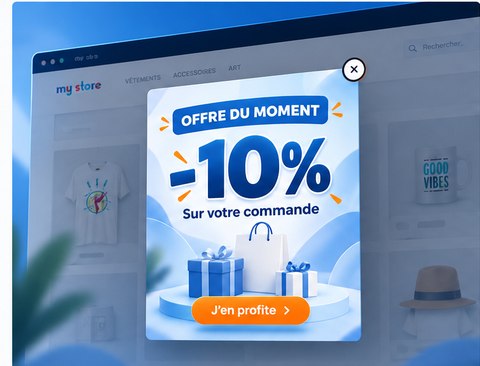
A promotional popup can draw attention to a limited-time discount, seasonal campaign or featured category. Its value depends on keeping the message clear and respecting the shopper’s journey.
Keep the message easy to understand
Use one focused image, an accurate offer and a clear call to action. Avoid crowded designs, especially on smaller screens. Always ensure the promotion matches the actual terms in the store.
Select a suitable display delay
Showing an overlay immediately can interrupt browsing. Starting with a delay of a few seconds is reasonable, but test different settings with your own audience. No single timing works best for every store.
Limit repeated appearances
- Consider once per visit or once every 24 hours.
- Provide an accessible close button.
- Let shoppers dismiss the message without accepting the offer.
- Keep cart and checkout navigation straightforward.
Make mobile a priority
Scale the image to the viewport and keep the close button visible. Optimize image size and test smaller phones in portrait and landscape orientations.
Protect performance and SEO
Avoid blocking essential page content or loading unnecessary scripts. Intrusive mobile overlays may harm usability and search visibility.
A lightweight PrestaShop option
Concepty Simple Popup displays a promotional image across storefront pages with a configurable delay, display frequency and optional image link. Contact Concepty for custom changes.