


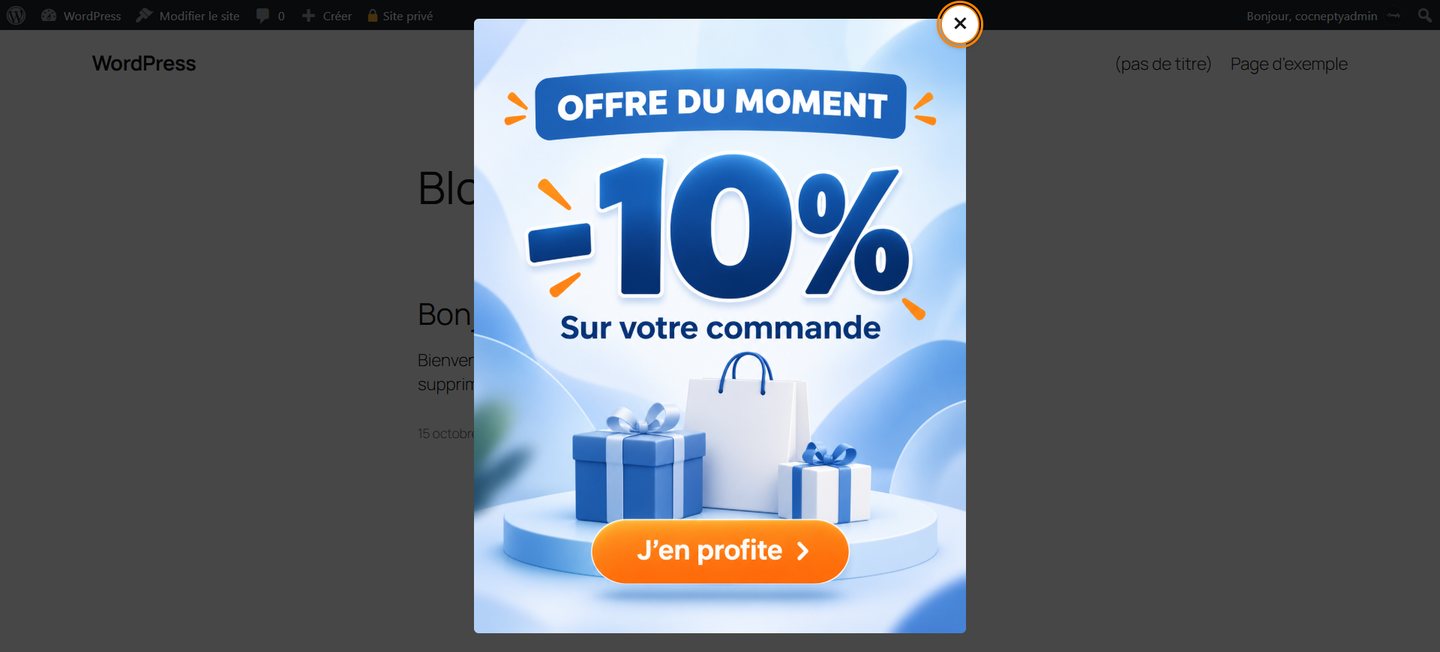
A popup can highlight an offer, event or temporary announcement on a WordPress website. The key is to provide useful information without interrupting visitors unnecessarily.
Focus on one message
Use one clear image and an optional action. Avoid packing several offers or competing calls to action into the same overlay. If you advertise a discount, explain its conditions on the linked page.
Set a sensible delay
An overlay shown instantly may cover content before visitors have a chance to read it. Three to five seconds is a useful starting point, not a universal rule. Test the delay on your site and avoid interrupting important interactions.
Control repeat displays
- Once per visit works well for an occasional announcement.
- Once every 24 hours may suit a short campaign.
- On every page load is generally best kept for testing or exceptional cases.
Make dismissal easy with a clearly visible close button, outside click and Escape-key support where possible.
Design for smaller screens
Keep the popup within the viewport and ensure the close control remains visible. Check narrow phones and landscape orientation. Tall images should scale down when screen height is limited.
Keep pages lightweight
Compress promotional images and choose appropriate formats such as WebP or JPEG. Avoid unnecessary third-party libraries and compare mobile performance before and after enabling the popup.
Respect access to content
Intrusive interstitials can make content difficult to reach and may affect search visibility on mobile. A moderate, dismissible popup is the safer approach.
A simple WordPress solution
Concepty Simple Popup lets administrators select an image in the media library, choose a delay and display frequency and optionally add a link, all from a dedicated admin menu. Test the settings with your own audience and theme. Contact Concepty for custom adaptations.