


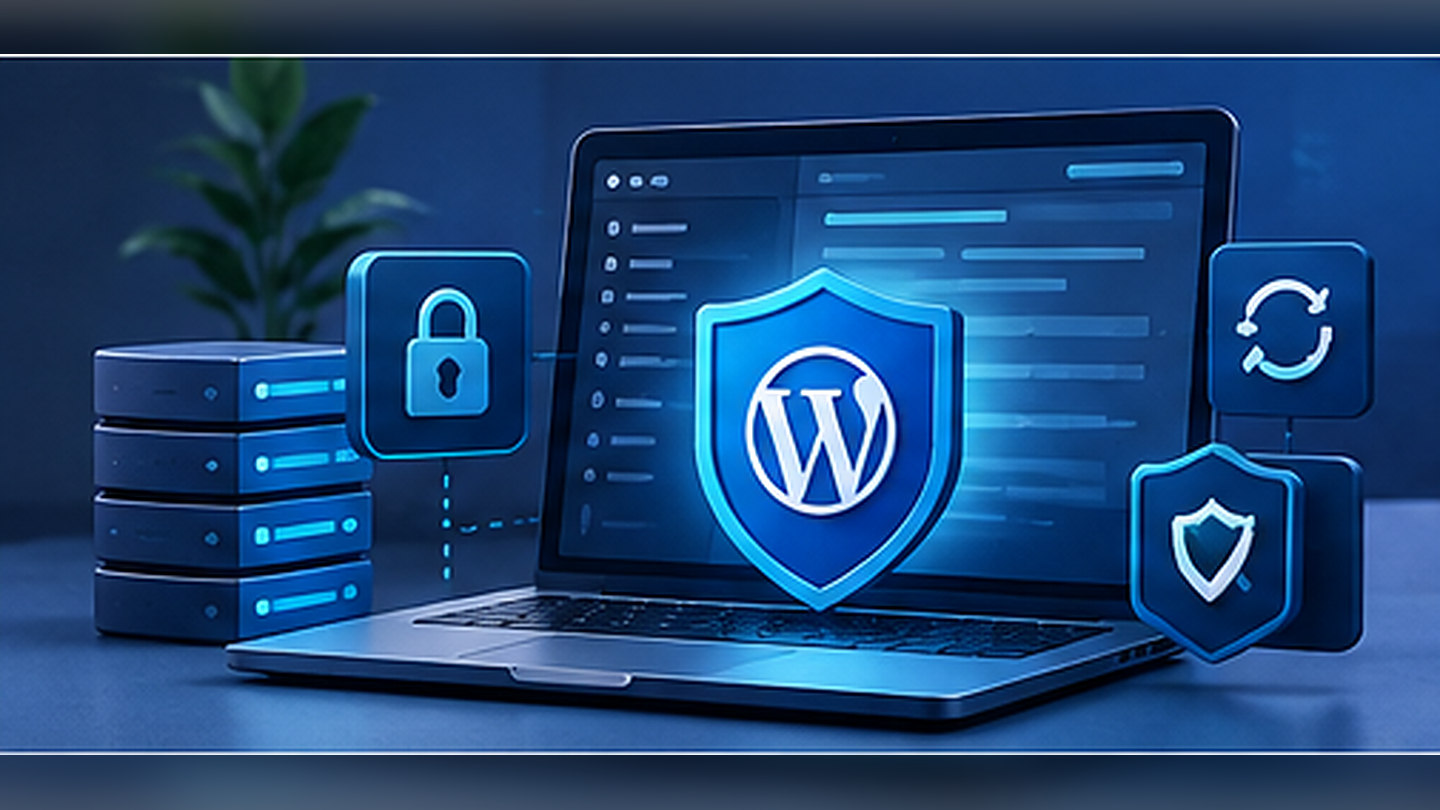
Security is ongoing maintenance
A single plugin cannot make WordPress invulnerable. Real risks include vulnerable extensions, reused credentials, forgotten administrator accounts and missing backups. Reduce the attack surface and prepare recovery procedures rather than relying on one security setting.
Keep software maintained
Update WordPress core, themes and plugins. Inventory all components, remove abandoned ones after checking dependencies and test high-risk changes on staging. Commercial workflows such as forms and payments deserve regression checks after important updates.
Apply least privilege
Use individual accounts, appropriate roles, unique passwords and multifactor authentication where available. Revoke former contractor access. Review not just wp-admin, but hosting, SFTP, SQL and API credentials.
Test backup restoration
Back up files, configuration, uploads and the database. Keep several restore points and an off-host copy. Periodically restore to an isolated environment; otherwise the backup process has not been proven. Protect copies that contain personal information.
Handle input and permissions
Keep file permissions restrictive and secrets outside publicly accessible locations. In custom plugins validate input, check capabilities, use nonces appropriately and escape output. A nonce alone is not an access-control mechanism.
Monitor and respond
Log meaningful failures without exposing credentials. Watch for suspicious redirects, changed files and unusual account activity. In an incident, preserve necessary evidence, rotate exposed secrets, remediate the cause and recover from verified backups.
Review checklist
- Update components
- Remove unused accounts
- Limit access rights
- Restore a backup
- Review logs
Related guides on Concepty
- Make WordPress faster without installing another performance plugin
- Custom WordPress plugin: lean architecture and safe delivery
- E-commerce technical audit: what to check before sales suffer
Practical next steps
Before making changes, record your versions, business constraints and reproducible issues. I can help with website maintenance, or you can describe your project on the contact page. The goal is a tested, maintainable improvement rather than another unnecessary dependency.